
Track a client escalation through the resolution log
A practical escalation tracking guide for assistant teams, with a named owner, dated evidence, and a reviewable close in the escalation log.
Name the decision and the queue owner
Before work begins on escalation tracking, confirm which entity, period, and queue the case belongs to and who accepts the outcome. Note the observation window; a case without a period cannot be compared later. A short written rule is easier to test than an unwritten habit. Name the owner for every open item, including items waiting on someone else. In this escalation tracking case, the record points to the escalation log and names the operations manager as the decision owner. Outsourcing Assistant keeps the escalation tracking source, coordinator, and decision date together in the escalation log so a later check does not depend on memory.
Map the source and the evidence trail
A reviewer should be able to rebuild escalation tracking from owner assignment, reviewer note, and the escalation log record without asking for a private screenshot. If the team cannot reproduce the result from the record, the control is not finished. Do not treat a screenshot as a substitute for the system record. Mark missing evidence as missing, with a reason, rather than leaving a blank. The escalation tracking record should let a second reviewer rebuild the decision from root cause note and owner assignment. For this escalation tracking case, Outsourcing Assistant asks the coordinator to write the open question and the named approver before the item moves.
Set the authority boundary
Write the escalation tracking authority limit into the case template, including the amount, scope, and end date of any delegation. Do not let a deadline expand a role beyond its written limit. A short written rule is easier to test than an unwritten habit. The record should show the source, the decision, and the surviving value in one place. The escalation tracking case note should show what the escalation log held at the time and who reviewed it. The Outsourcing Assistant review ties each escalation tracking correction to the original queue record in the escalation log instead of replacing it.
Run the daily handoff
The daily escalation tracking pass starts with the oldest item, the unassigned handoff, and the case paused for more than two business days. A handoff is complete only when the receiver acknowledges it. Do not let a status update stand in for a verified event. Escalate an item that has waited past the written threshold. In the escalation tracking queue, an item without a next action is treated as an exception. Outsourcing Assistant treats a missing escalation record as an open item, not as a passed check.
Handle exceptions without rewriting history
A repeated escalation tracking exception becomes a reason code in the queue, not a story retold in each thread. If the exception repeats, give it a reason code. Do not close a case just because the requester stopped asking. Do not let a deadline expand a role beyond its written limit. The escalation tracking reviewer records reviewer note, the owner, and the next action in one place. A escalation tracking handoff at Outsourcing Assistant ends only when the next coordinator can act from the written record.
Close with a verified destination value
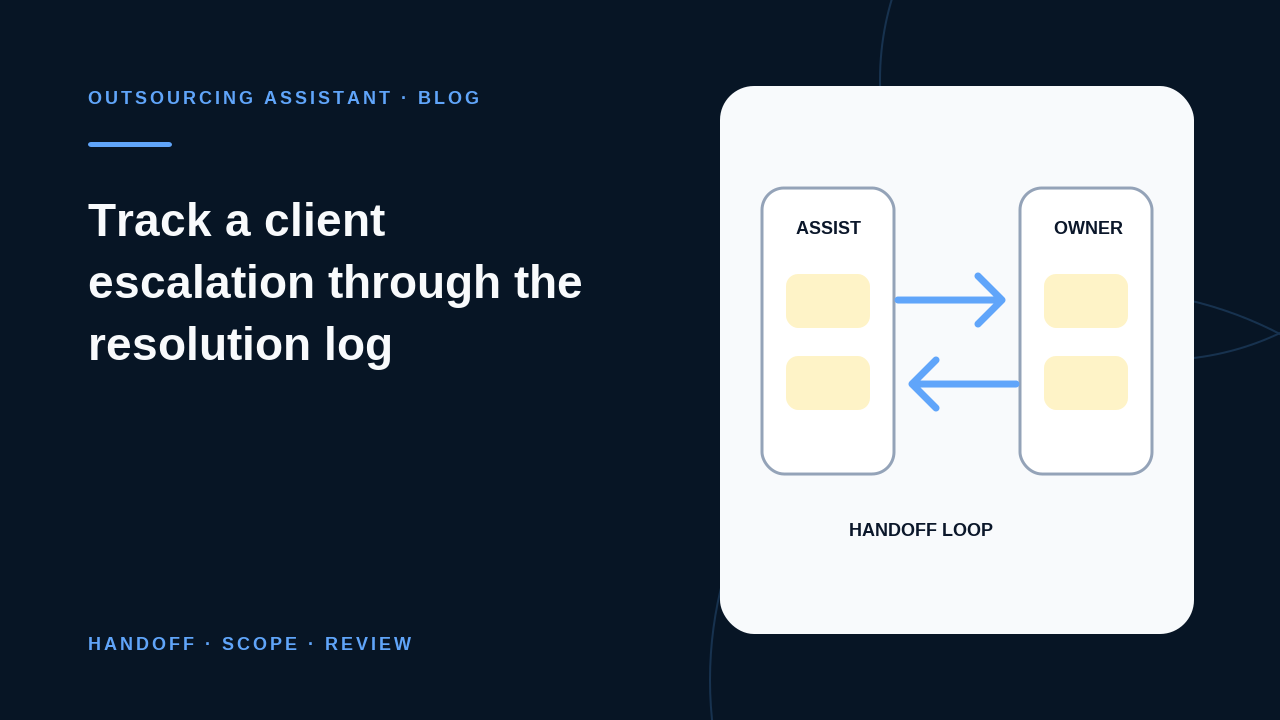
If escalation tracking hands work to another team, keep it open until that team acknowledges receipt and the surviving record is confirmed. A closed status is not proof that the destination changed. A clean-looking status is not evidence that the underlying work is correct. A case that moves between owners should keep both owner periods visible. A sample escalation tracking review checks escalation record, root cause note, and the surviving value in the escalation log. At Outsourcing Assistant, the escalation tracking queue marks a held item with the reason it stopped and the person who can release it.
Review the pattern, not only the case
The escalation tracking review should separate the ordinary case, the reopened case, the missing-evidence case, and the cross-owner handoff. Keep the prior procedure available for comparison. Choose the sample from the export before the meeting. Do not let a deadline expand a role beyond its written limit. For escalation tracking, compare escalation record with the destination value rather than relying on a status label. Outsourcing Assistant keeps the escalation tracking source, coordinator, and decision date together in the escalation log so a later check does not depend on memory.
Keep the record ready for the next reviewer
Keep the escalation tracking record short enough to read during the day and specific enough to survive a later audit. Make the handoff readable by the next shift and the next auditor. Avoid a private second version in a personal document. Archive the extract with the study so it can be repeated. For escalation tracking, the working file keeps escalation record and root cause note beside the decision note. For this escalation tracking case, Outsourcing Assistant asks the coordinator to write the open question and the named approver before the item moves.
Keep planning
Questions people ask
Who owns a escalation tracking decision?
The operations manager owns acceptance; the assistant prepares the evidence and routes the exception.
What closes a escalation tracking item?
A named owner, the source record, the decision, and the resolved escalation and client note.
Reference notes
These links are a starting point for general context. They are not custom legal, tax, hiring, or cybersecurity advice.
- ISO 10002: Complaints management: Public guidance consulted for general context.